

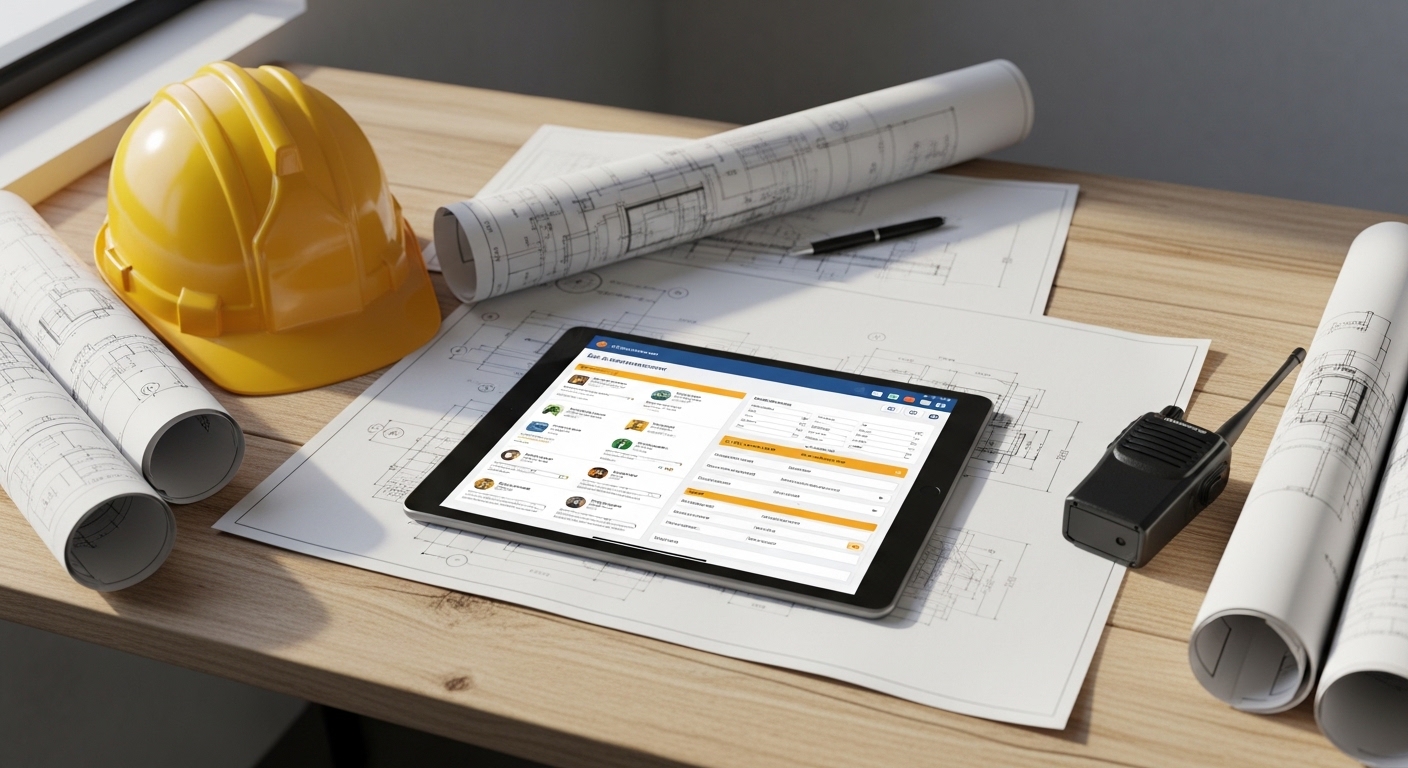
Choosing the appropriate equipment management tools within a construction business is critical to enhance efficiency, lower expenses, and guarantee efficient usage of equipment and devices. A reliable system to monitor, maintain, and manage assets is important in an industry where heavy equipment is a significant investment. An appropriate tool is used to trace the usage and organize the maintenance, avoid downtime, and improve safety compliance.
The best equipment management system must be aligned with the size of your project, operational requirements, and technology. The use of real-time tracking, simple integration, usability, and analytics of data are among the elements that are crucial in making the right decision. Finally, the appropriate tool will help make smarter decisions, increase the lifespan of equipment, and increase the performance of the whole project.
1. Define Your Objectives
It is always good to come out clearly on what you want your equipment management tool to accomplish before getting into software demos or feature comparisons. Examples of questions to ask yourself and your team include:
- Is it necessary to monitor all the owned equipment, or the rented equipment, or both?
- Is real-time location tracking (GPS/telematics) or periodic recording of usage hours needed?
- Would my primary concern be to minimize downtime, maximize utilization, minimize the cost of maintenance, or a combination of the above?
- How many sites do we operate? How many machines? What is the number of users to use the system?
- Would I like the tool to be integrated with other of our systems (project management, ERP, finance)?
These objectives should be documented in writing, since they will assist you in reviewing tools more objectively, and also to avoid spending money on modules that are not necessary.
2. Evaluate Core Features & Capabilities
Having goals, match the possible tools with a list of fundamental characteristics, which may be pertinent to the management of construction equipment. The following are some of the key features to be considered:
- Asset database/inventory: Trace all machinery, tools, and vehicles with information like model, serial number, date of purchase, location, and cost.
- Usage tracking and utilization metrics: Track engine hours, idle time, and movement to different sites.
- Maintenance scheduling/work-order management: Facilitate preventive maintenance and a history of service.
- Location tracking/telematics integration: GPS, RFID, or sensors on heavy equipment to understand the location of all its assets and their utilization.
- Mobile/field app support: Field crews are expected to scan out/ in equipment, log their hours, and make inspections using smartphones or tablets.
- Reporting and analytics: Dashboard to use, cost/hour, unused equipment, and forecasting.
- Integration: Sync with project management tools, accounting systems, and estimating services for construction for accurate cost projections.
- Scalability & deployment: Cloud vs. on-premises, number of users/sites, and ease of rollout.
3. Scale/Complexity to Your Operation
The management of equipment required by small contractors is significantly different from that of large construction firms.
- When you have a small number of sites and minimal equipment, then you might want a lighter, cloud-based, mobile-friendly tool, which can be deployed quickly.
- In case you operate an extensive number of locations that have large fleets and rental and owned equipment, you will probably need an enterprise-level solution that contains all the telematics, asset life-cycle, and advanced analytics.
Also, to think about long-term growth, you should consider a system that can be expanded as your company grows, instead of a system that will require replacement in the next few years.
4. Check Integration & Data Requirements
The management of equipment does not exist in principle. The tool must fit well within your overall workflows to get the most value:
- Is it possible to import/export data (usage hours, maintenance logs) into your accounting or ERP systems with the help of the tool?
- Does it accept telematics data in the event that your machines are OEM sensor-enabled?
- Do they have custom integrations (APIs)?
- Does it work with your project management software to have your equipment scheduled in your projects?
Integration is a way to make sure that equipment cost, utilization, and maintenance data flows through the entire areas of your business.
5. User-friendliness and Field Worker Acceptance
Even the most appropriate software will not work when crews are unwilling to apply it. The usability and adoption determine the success of the implementation:
- Is there a field crew mobile application to check out/in equipment or track hours?
- Is it offline-capable at remote sites?
- Does the user interface make foremen and operators comfortable with its use?
- Does it offer barcodes or QR scanning of smaller tools?
Flexibility and correct training may be more important than advanced functionality in good adoption.
6. Cost/ Return on Investment (ROI)
Although price is not the only factor, ROI is important. Consider:
- How much does it cost in terms of a license or subscription? Do they have per-user or per-asset fees?
- What are the implementation and training costs?
- Which savings would you make with less downtime, better utilization, or even lower rental rates?
A properly selected tool can easily justify itself within a short time with its life span, less idle time, and efficient usage. Take into account also so-called soft savings (safer working conditions, reduced number of lost tools, reduced emergency repairs, etc.).
7. Implementation Plan & Change Management
The choice of tools is only the start of the journey: change management and planning; successful roll-out is required.
- Cleanup of the data: Before migration, inventory all your equipment and maintain proper records.
- Delegation: Assign the task of registering usage, maintaining, and checking dashboards.
- Establish workflow: Establish clear processes regarding check-in/out, maintenance triggers, and rental vs. owned decision-making.
- Training: Make all the staff well-trained and know their roles.
- Pilot phase: Begin small with a single location, optimize processes, and then expand.
Even the most suitable system will not bring its full potential unless there is a definite plan and buy-in from the user.
8. Vendor Evaluation & Support
In doing a vendor evaluation, do more than a list of features:
- Review of case studies or reviews of similar construction companies.
- Enquire about customer support, regularity of updates, and system roadmap.
- Test the security of data, backup procedures, and deployment.
- Ask references to know about real-life implementation challenges.
Selecting a trusted supplier means your future, since there is support and flexibility as your requirements change.
9. Measures Success and Key Performance Indicators (KPIs).
After implementation, track the system to determine whether it is providing any measurable value. Useful KPIs include:
- Utilization rate of equipment (hours used/available hours)
- Unproductive equipment hours or expenses.
- Cost per machine per year of maintenance.
- Rental cost saving (saving of improved asset use)
- Incidents of downtime and periods.
- Maintenance response time
Measuring these metrics will assist you in measuring ROI and areas that may be further optimized.
10. Future-Proofing & Innovation
IoT, automation, and predictive analytics are transforming the construction equipment management field at a high rate. To future-proof your investment:
- Select a system having the capability of telematics or IoT to collect real-time machine data.
- Take into account predictive maintenance to avoid failures.
- Make sure it is mobile and cloud-based to allow flexibility.
- Not only should big machinery be monitored, but also small devices and attachments.
- Work with the vendor that advances and improves features.
Choosing a progressive tool will keep your company competitive with the development of technologies.
Conclusion
When selecting the appropriate equipment management tool, there should be a balance between functionality, scalability, usability, and integration. Establish your objectives, find out the key features, make decisions with regard to vendors, and strategize the implementation. When properly utilized, equipment management tools will assist the construction companies to enhance efficiency and reduce costs, extend the life of assets, enhance the profitability of projects, and eventually transform your fleet into a great competitive edge.
FAQs
What is the most important feature to look for in equipment management software?
Monitoring of the assets and utilization is necessary. Optimization cannot occur without being able to see the equipment use, location, and time idle.
Can small construction firms benefit from equipment management tools?
Yes, despite being a small contractor, simple cloud-based tools can also enable them to cut down on losses, prevent duplicate rentals, and enhance maintenance.
How long does it take to implement an equipment management system?
The implementation is based on the scale of companies and the volume of assets, though the majority of small to medium firms may receive a 13-month rollout, such as data migration and training.